
Converts masks to shape layers with fill, stroke, and merge options
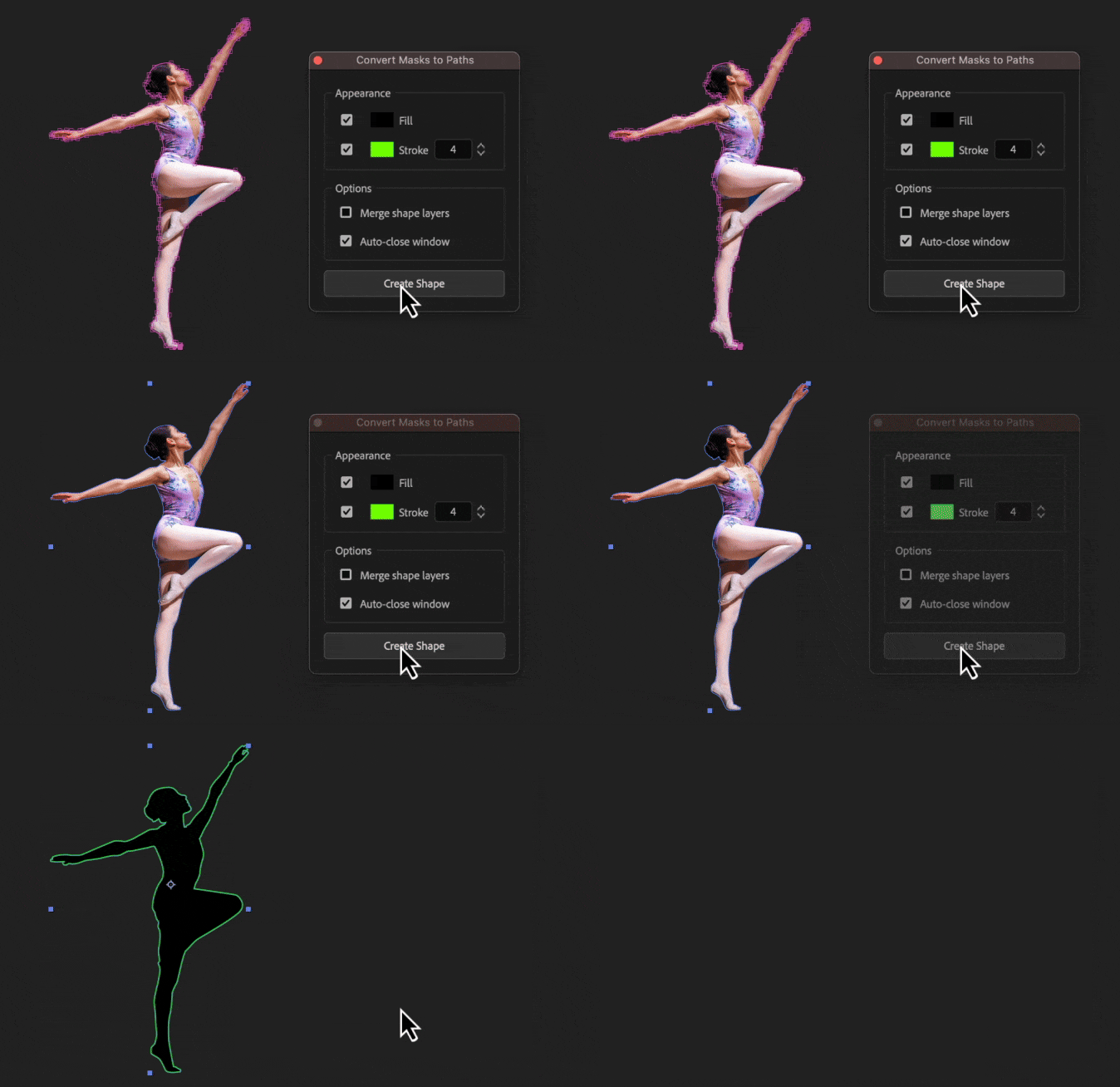
How to use
Appearance
- Fill: Check the box to add a fill and click the color box to select its color
- Stroke: Check the box to add a stroke, select its color, and define its width
Options
- Merge shape layers: When converting multiple masks, this option merges them into a single shape layer, if unchecked, a separate shape layer will be created for each mask
- Auto-close window: Closes the tool's window automatically after the shape is created
